Introduction
My projects showcase my approach to designing engaging, learner-centered learning experiences that blend instructional design best practices, technology, and real-world application. Each project reflects my focus on helping learners build practical skills through clear structure, interactive design, and meaningful feedback.
Animated Learning Video
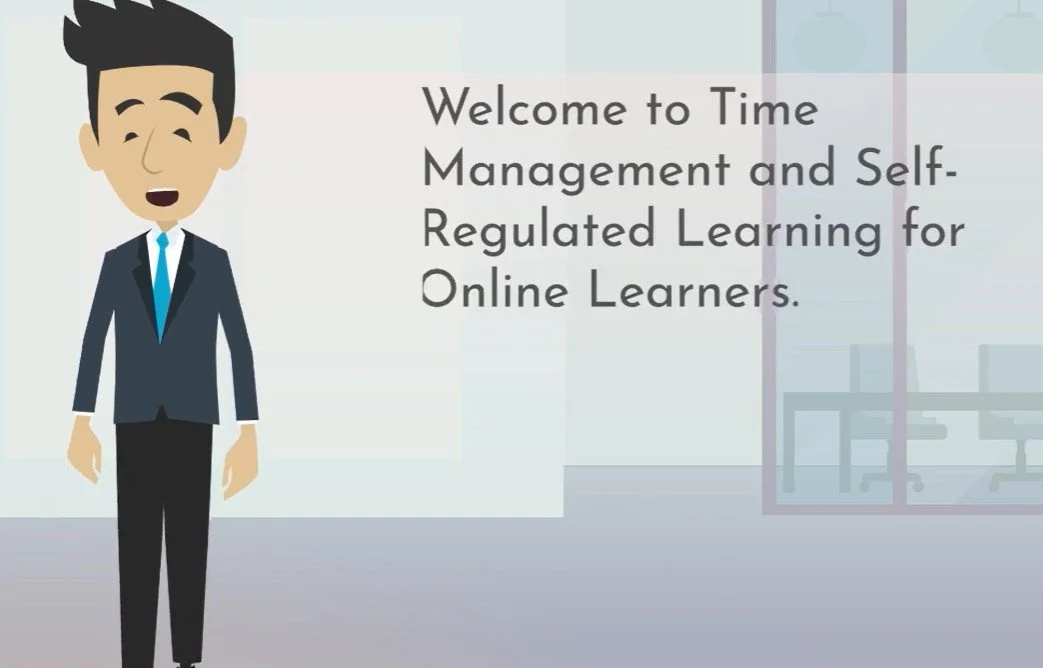
Project 1: Animated Learning Video
Title: Time Management & Self-Regulated Learning for College Students
Tool: Vyond
Overview
This animated video was designed to help college-level learners understand how to manage their time effectively and develop self-regulated learning habits. The goal was to support students in building independence, motivation, and organization skills needed for success in online and higher-education environments.
Design Process
I began by identifying key learning objectives related to time management, goal setting, and self-monitoring. I then wrote a script and created a storyboard using instructional design principles to ensure clarity, pacing, and alignment with learning outcomes. Using Vyond, I developed animated scenes, visuals, and on-screen text to reinforce key concepts and keep learners engaged.
Tools Used
Vyond, Canva
Outcome
The video presents complex learning strategies in a clear, visually engaging way that is easy for learners to understand and apply. It demonstrates how animation can be used to simplify abstract skills like planning, prioritizing, and self-monitoring.
Interactive Learning Module
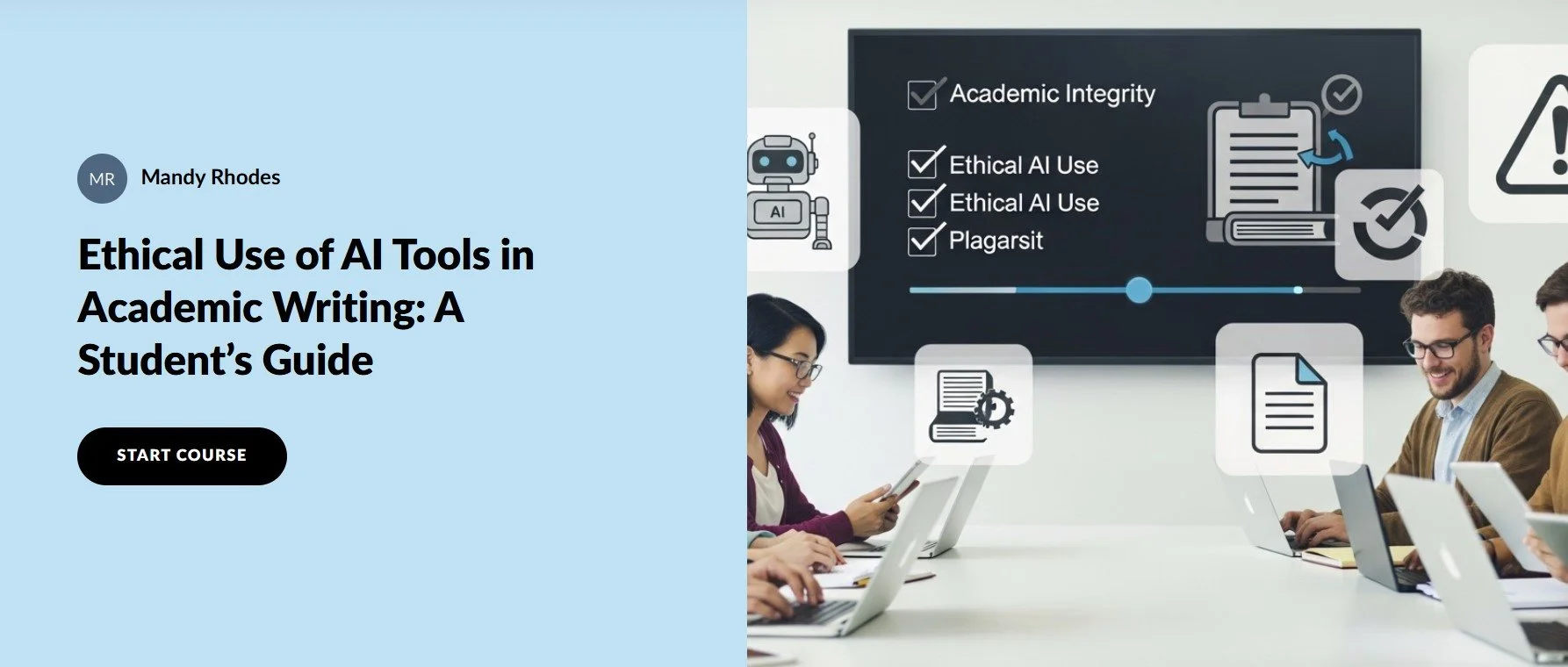
Project 2: Interactive Learning Module
Title: Ethical Use of AI Tools in Academic Writing: A Student’s Guide
Tool: Articulate Rise 360
Overview
This interactive module teaches college students how to use AI tools responsibly in academic writing. Learners explore what ethical AI use looks like, how to avoid plagiarism, and how to apply AI as a support tool rather than a shortcut.
Design Process
I used AI tools to generate initial scenarios and examples, then applied instructional design frameworks to organize the content into a clear learning pathway. Using Rise 360, I created an interactive module that includes readings, examples, knowledge checks, and reflection opportunities to help students apply what they learn.
Tools Used
Articulate Rise 360, AI content tools, Canva
Outcome
The module provides a practical, student-friendly guide to navigating AI in academic settings. It promotes academic integrity while helping students build confidence in using emerging technologies responsibly.